


Romantic Kiss Stickers
4.455.00 Reviews
App Specs
- Version
- 2.1.6
- Updated On
- License
- Free
- Downloads
- 5,000,000+
- Developer
- Firehawk
- Categories
- Personalization
- Platform
- Android
Screenshots
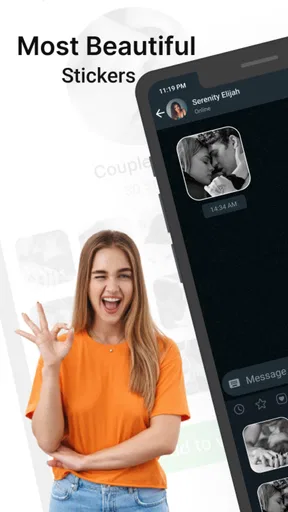
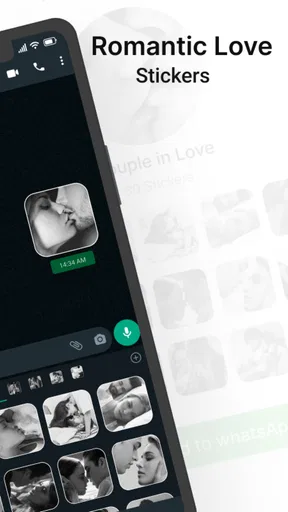
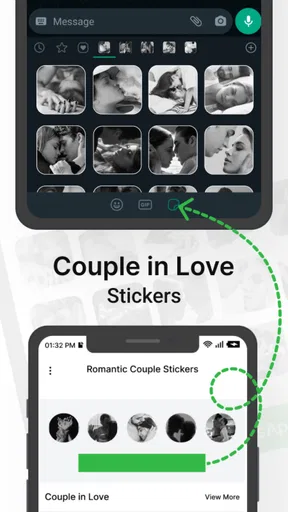
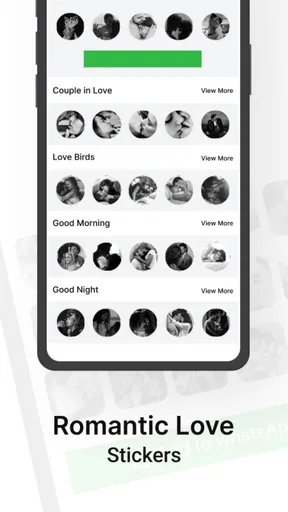
 Analysis by AppCompare
I like adding a small personal touch to a message, but a sticker only works when I can actually find and send it without derailing the conversation. That practical balance is the main thing I’d keep in mind with Romantic Kiss Stickers: it is a focused personalization app for romantic imagery, rather than a full messaging service. It may suit someone who wants affectionate visuals close at hand, but it is less compelling if they already have a sticker collection they use every day.
Where the first bit of friction can appear
A sticker app is often judged in the middle of a chat, not while browsing on its own. If you open it expecting to send a sticker immediately, the important question is how it fits into the messaging routine you already have. Before relying on it for a time-sensitive note, I’d take a moment to look through the available choices and learn the basic route from selecting a sticker to sharing it. That small trial run helps avoid interrupting a conversation to search around.
The app’s romantic focus is both its clearest strength and its main boundary. A collection built around kisses and affection can make it easier to send a playful response than searching through a large, mixed-purpose library. The trade-off is that the same theme may feel repetitive when you want to reply to a friend, family member, or colleague, or when the conversation calls for something other than romance. I’d treat it as a dedicated extra, not a replacement for every sticker you use.
Check the route before you need it
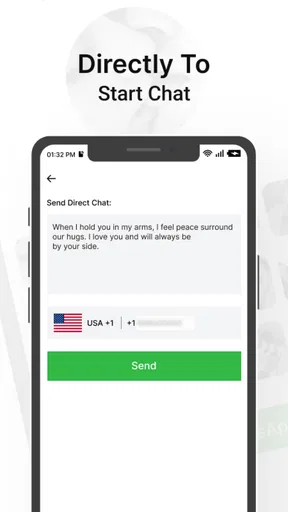
Before using any sticker app in a particular chat, I’d check how it works with the messaging app and keyboard setup already on my phone. A sticker may be available in one workflow but not appear where I expect in another. If you don’t see the option while composing a message, return to the sticker app and see what sharing choices it presents, then try a simple test in a conversation where a playful image makes sense.
That approach is especially useful if you switch between messaging apps. A sticker collection can be convenient without behaving identically everywhere, so I wouldn’t assume that a method that works in one chat will be available in another. If a recipient can’t see the result as intended, try a different sharing route offered by your phone or messaging app rather than repeatedly tapping the same control.
A sensible way to work it into a real conversation
For example, if I wanted to send my partner a warm message during a busy afternoon, I’d choose the sticker first, then write a short note that makes its meaning clear. That keeps the image from having to carry the whole conversation. A sticker can soften a quick check-in or make a familiar joke feel more affectionate, but it is not a substitute for the specific words that matter when you’re discussing plans, feelings, or something important.
I’d also be selective about timing and tone. Romantic imagery can come across as sweet in an established relationship and too forward in a newer one, depending on the person and the conversation. When I’m unsure, I’d start with a simple, low-pressure message instead of sending a dramatic image out of nowhere. The best use is usually as a small accent to a message that already sounds like me.
Worth Reading Before You Choose

EA SPORTS FC Mobile 26 Is a Bigger Football Game, but It Takes Time

Flipboard Shows What News Apps Must Do Beyond the Feed

Switching to Android Auto Means Rethinking Your Driving Routine

Google Calendar Makes a Crowded Week Easier to Manage

Ludo King Makes the Most of the Minutes Between Plans

Baby Panda World Brings Quick Play to Modern Phones, but Its Game Library Feels Busy
When the problem may be somewhere else
If sharing stops working, it doesn’t automatically mean the sticker app is broken. I’d first check that the messaging app is open and behaving normally, then try sending an ordinary text or image to see whether the issue affects sharing more broadly. Closing and reopening the apps, returning to the sticker collection, and trying again are sensible basic steps. If other content also fails to send, the cause may lie with the chat app or the phone’s current connection rather than the stickers.
It’s also worth separating a display issue from a sending issue. If you can select an image but the recipient sees something unexpected, check how that messaging app handles shared images and whether the same result occurs in another conversation. This is a practical way to narrow down the problem without assuming that every difference between apps is a fault in the sticker collection.
First Impressions
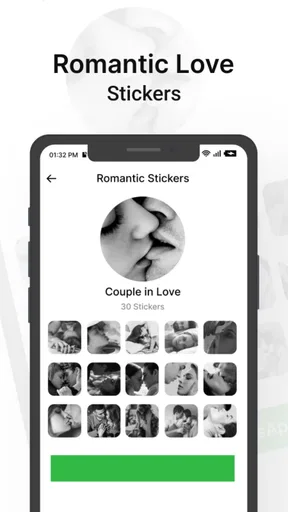
Upon downloading Romantic Kiss Stickers, I was immediately drawn to its sleek and user-friendly interface. The app is incredibly easy to navigate, which means you won't find yourself fumbling around trying to find the perfect sticker when you’re in the middle of a heartfelt chat. Everything is organized into neat categories, so you can quickly access whatever suits the mood.
Features That Spark Joy
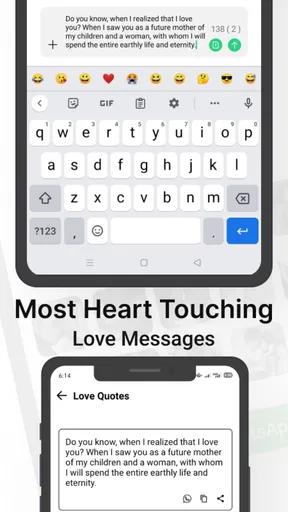
One of the things that stood out to me was the sheer variety of stickers available. Whether you’re trying to say "I love you" in a cute way or you’re just feeling flirty, there’s something for every occasion. The stickers range from cute cartoon lips to romantic messages like "You’re my everything," making it easy to find the perfect sticker to match your vibe.
Another cool feature is the ability to use these stickers across different messaging platforms. They’re compatible with popular apps like WhatsApp, Facebook Messenger, and even Instagram. This means you can add a sprinkle of romance to any message, no matter where you’re chatting.
Getting Creative
Now, I’m not usually one to get all crafty, but Romantic Kiss Stickers brings out the creativity in me. You can mix and match stickers to create a whole story, or just use a single sticker to punctuate your point. The possibilities are endless, and it’s a fun way to keep your conversations fresh and engaging.
Plus, the app is regularly updated with new stickers, so you’ll never run out of options. It’s like getting a surprise gift every now and then, keeping your sticker game strong.
Choosing it over a general sticker collection
Compared with the sticker options built into a messaging app, a dedicated romantic collection has a narrower purpose. That can be an advantage when you want a kiss-themed reply without scrolling through unrelated art, but a built-in library is usually more convenient if you already have stickers ready in the chat. I’d use this app when its specific mood adds something; for everyday reactions, a general collection or the messaging app’s own tools may be quicker.
It also sits in a different place from making a custom image or sending a photo. A ready-made sticker is fast and playful, while a personal picture or a message written in your own words can feel more individual. If you’re trying to mark an important occasion, I’d pair the sticker with a personal note rather than expecting a premade graphic to feel uniquely tailored on its own.
Who will get the most out of it
I can see this being most useful for someone who often sends affectionate messages and likes visual shorthand: partners who share playful banter, people who enjoy adding a kiss to a goodnight text, or anyone who wants a small romantic accent in a chat. It may also appeal to someone who prefers browsing a themed set instead of building a collection from assorted sources.
I’d skip it if you rarely use stickers, prefer plain text, or want broad expressive options for every kind of conversation. It is also not the right choice when a recipient dislikes animated or decorative messaging, or when clarity matters more than tone. In those moments, a direct sentence is kinder and more effective than choosing an image just because it is available.
Small habits that make stickers feel less repetitive
One useful habit is to choose the message before the sticker, rather than letting the available artwork dictate what you say. If you know you want to thank someone, for instance, write the thanks first and use a sticker only if it adds warmth. That prevents a romantic image from making a straightforward exchange feel oddly intense. It also makes the collection more versatile: the same sticker can accompany different words, while the text supplies the context.
I’d avoid sending several images in a row unless that is already part of the way you and the other person chat. A single sticker can read as a light flourish; a burst of them may crowd out the conversation or feel like pressure to respond in kind. If I’m sending something to someone new, I’d keep it restrained and see how they respond before making stickers a regular part of the exchange.
Cost, compatibility, and basic expectations
The app is free to install, with optional in-app purchases listed from under a dollar to just under a hundred dollars per item. I’d check the purchase prompt carefully before confirming anything and decide whether the available free use already meets my needs. For a narrowly themed collection, paying only makes sense to me if I regularly use what it offers and understand what a purchase unlocks.
Firehawk is the developer, and the app is rated for everyone. It has an average rating of 4.4 from around 26,000 ratings and has passed five million installs. The current version is 2.1.6, and it requires Android 5.0 or later. Those details make it easy to judge whether the Android version fits an older device, but the practical test is still whether the sharing workflow suits the chat apps you actually use.
If the app does not appear to work on your phone, I’d start with the basics: confirm that it is installed, open it directly, and check whether the phone and messaging app are responding normally. Then try the sharing process again with a low-stakes message. These checks won’t fix every compatibility issue, but they can distinguish a temporary app or chat problem from a mismatch in how a particular conversation handles stickers.
Perfect for Special Moments
If you’re planning a special date or just want to remind your partner how much they mean to you, these stickers can add a personal touch to your messages. They’re also a great way to break the ice if you’re just starting a new relationship. A little humor and charm can go a long way, and these stickers deliver just that.
For those who are in long-distance relationships, these stickers can help bridge the gap, making your partner feel loved and cherished even from miles away. A simple sticker can speak volumes, and with this app, you can convey emotions that words sometimes fail to express.
Conclusion
All in all, Romantic Kiss Stickers is a delightful addition to any romantic’s digital toolkit. It’s easy to use, packed with options, and perfect for adding a touch of whimsy and warmth to your conversations. Whether you’re a hopeless romantic or just someone who loves to add a bit of color to your messages, this app is definitely worth checking out.
So why not give it a try? You might just find that it adds that extra sparkle to your digital love notes. After all, who doesn’t love a little romance in their life?
Pros
- Wide variety of romantic sticker designs.
- High-quality images with vibrant colors.
- Easy integration with popular messaging apps.
- Regular updates with new sticker packs.
- User-friendly interface for quick access.
Cons
- Limited free sticker options available.
- In-app purchases can be pricey.
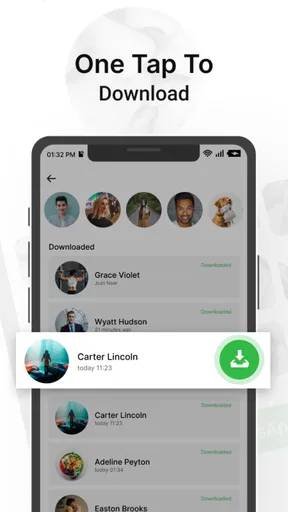
- Occasional lag during sticker download.
- Requires internet for full functionality.
- No customization for sticker designs.
FAQs for Romantic Kiss Stickers
What are Romantic Kiss Stickers, and how do I use them?
Romantic Kiss Stickers are a collection of cute and expressive stickers designed to enhance your messaging experience. To use them, simply download the app, install it, and access the stickers via your messaging app’s keyboard. They can be used to add a fun and romantic touch to your conversations.
Are Romantic Kiss Stickers compatible with all messaging apps?
While Romantic Kiss Stickers are compatible with most popular messaging apps like WhatsApp, Messenger, and iMessage, it’s important to check for compatibility with your specific app. The stickers integrate directly with your keyboard, making them easy to use across multiple platforms.
Do Romantic Kiss Stickers require an internet connection to work?
Once downloaded and installed, Romantic Kiss Stickers do not require an internet connection to be used in your messages. However, an internet connection is necessary for the initial download and any subsequent updates that may include new stickers or features.
Is there a cost associated with downloading Romantic Kiss Stickers?
Romantic Kiss Stickers are typically free to download, but some versions may offer additional sticker packs or premium features for a small fee. It’s advisable to check the app store for specific pricing details and to be aware of any in-app purchases that might be offered.
Are there any privacy concerns with using Romantic Kiss Stickers?
Romantic Kiss Stickers prioritize user privacy, but it’s always good practice to review the app’s privacy policy. The app may request access to your keyboard for functionality, but it should not collect personal data. Always ensure you download from a reputable source to avoid security issues.


